> Partage photo privé
Regarder les photos d'une galerie
Les albums photo de la galerie
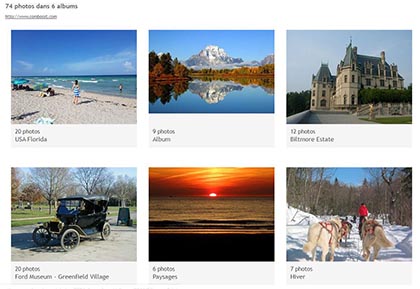
La page d'accueil de la galerie regroupe tous ses albums photo.
Si la galerie contient des albums protégés par mot de passe, alors ceux-ci ne seront visibles que si le mot de passe a été saisi.
Le nombre d'albums et le total de photos sont indiqués, ainsi qu'un lien (vers un site web, un blog...) si celui-ci a été mentionné par le créateur de la galerie.
Un clic sur l'album de son choix permet de voir les photos qu'il contient.
Les photos d'un album photo
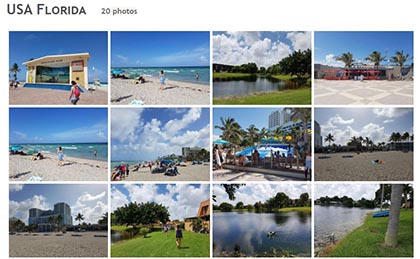
Toutes les photos de l'album sélectionné apparaissent sous forme de vignettes.
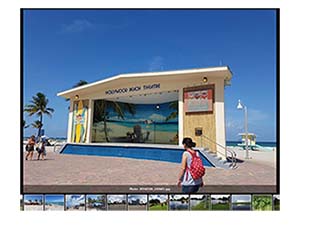
Un clic sur une des photos permet de lancer le mode de diaporama.
Le diaporama photo: manuel, automatique, pleine page
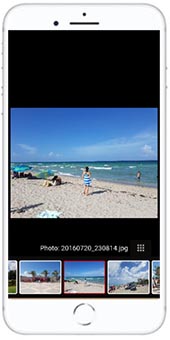
Les photos sont affichées une par une, et sous forme de vignettes en bas de page.
L'affichage est "responsive", ce qui signifie qu'il s'adapte aux écrans (ordinateur, tablette, smartphone).
Plusieurs fonctionnalités sont proposées :

- partage de la photo
- zoom
- défilement automatique des photos
- plein écran
- téléchargement de la photo
FAQ Partage de photos privées
